



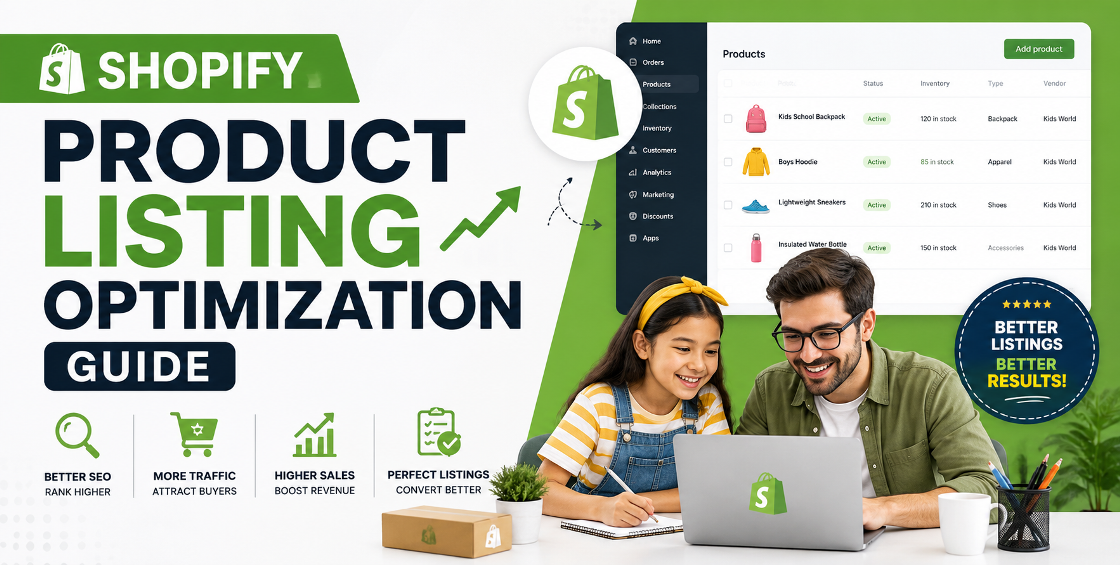
Adding products to Shopify is easy. Building product listings that actually rank on Google, attract shoppers, and convert visitors into paying customers is a different story.
We've worked with Shopify stores that had thousands of products imported through CSV files, supplier feeds, and ERP integrations. One pattern appears again and again—business owners spend weeks uploading inventory but overlook the details that influence search visibility and conversions.
A missing meta description, inconsistent product variants, duplicate descriptions from suppliers, or poorly optimized images can quietly reduce organic traffic and lower conversion rates.
This Shopify Product Listing Optimization Guide walks through practical strategies that help ecommerce businesses improve product visibility, create a better shopping experience, and make store management easier as the catalog grows.
Whether you manage 100 products or 100,000, these best practices can help you build product pages that work harder for your business.
Uploading products is only one part of running a successful Shopify store.
Every product page acts as:
Well-optimized listings improve:
Small improvements across hundreds of products often produce measurable increases in traffic and sales.
Many stores import supplier titles directly into Shopify.
Instead of:
"Wireless Bluetooth Earbuds Version X200 Black"
Write:
Wireless Bluetooth Earbuds with Noise Cancellation – Black
Keep titles:
Avoid keyword stuffing or unnecessarily long titles.
One of the biggest SEO mistakes is copying supplier descriptions.
Duplicate content makes it harder for Google to determine which page deserves to rank.
Instead, explain:
Think beyond specifications. Customers want to understand how the product improves their daily life.
Images influence both SEO and conversions.
Best practices include:
Instead of:
IMG_00235.jpg
Use:
wireless-bluetooth-earbuds-black.jpg
Also add descriptive image alt text for accessibility and search engines.
Variants are one of the most common areas where stores experience backend issues.
We've seen stores accidentally create hundreds of unnecessary variants because CSV columns weren't mapped correctly during bulk imports.
Use variants only when products differ by:
Avoid creating separate products when variants belong together.
Proper variant organization improves inventory management and creates a cleaner shopping experience.
Shopify automatically generates URLs, but they're worth reviewing.
Example:
/products/leather-office-chair
Avoid unnecessary words or random numbers. Short URLs are easier to understand and share.
Every important product should have:
Your meta title should clearly describe the product while encouraging clicks.
The meta description should summarize the product and give shoppers a reason to visit your page.
Collections help both shoppers and search engines understand your catalog.
Examples include:
Avoid placing products into random collections just because they fit multiple categories.
Clear organization improves navigation and internal linking.
Product pages shouldn't exist in isolation.
Connect them through:
For example, a blog about choosing office chairs can naturally link to several product pages, improving both SEO and customer discovery.
Large product catalogs introduce challenges that smaller stores rarely encounter.
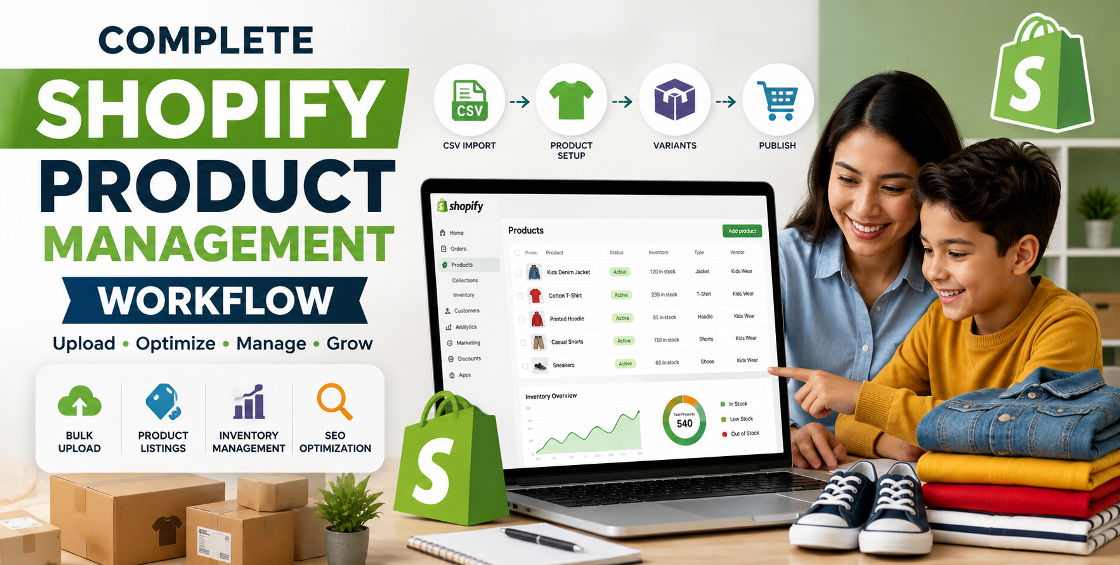
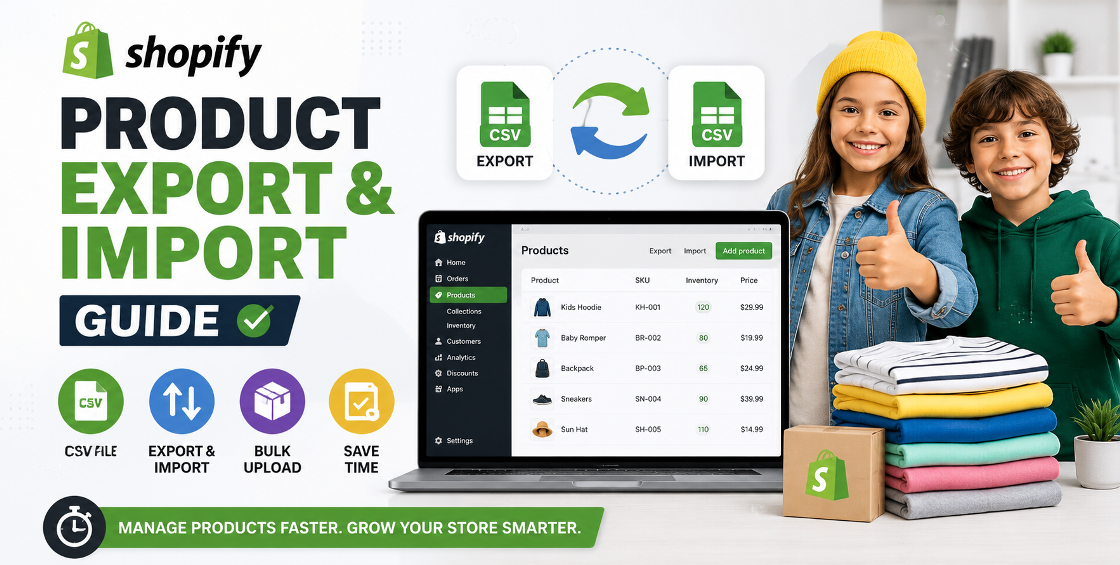
A single misplaced comma or incorrect column heading can cause hundreds of products to import incorrectly.
Always validate CSV files before importing.
Incorrect Option Name or Option Value formatting frequently creates duplicate products instead of variants.
Testing with a small sample file first can prevent hours of cleanup later.
When importing products via CSV, broken image URLs leave products without photos.
Always verify that hosted image URLs are publicly accessible before import.
Stores using inventory software or supplier feeds should verify:
Good inventory data reduces fulfillment mistakes.
Create naming conventions before uploading hundreds of products.
Consistency improves search, reporting, and inventory management.
Too many random tags create unnecessary clutter.
Develop a tagging system that supports filtering, reporting, and automation.
Products change. Descriptions become outdated. Prices change. Images improve.
A quarterly product audit helps keep listings accurate and competitive.
Great product pages answer questions before customers ask them.
Include information about:
Better information often leads to fewer support requests and higher conversion rates.
Avoid these common issues:
Even small corrections can noticeably improve store performance over time.
Within this article, consider linking to your service pages such as:
These internal links help users discover relevant services while strengthening your site's SEO.
Product listing optimization is much more than adding keywords to a page.
It's about creating product listings that are easy to discover, easy to understand, and easy to buy from.
A well-optimized Shopify catalog supports better rankings, stronger customer trust, smoother store management, and higher conversion rates.
Whether you're launching a new store or managing thousands of products through bulk imports, investing time in product optimization pays dividends long after the upload is complete.

Our Trusted Clients
















Our goal is to help our companies maintain achieve best class positions their respective industries & our team works occur that pleasures have to be repudiated.

Copyright © MyShopifyExpert . All rights reserved.