




Uploading products to Shopify sounds simple—until a small CSV mistake breaks hundreds of listings.
We've worked with businesses ranging from startup brands to established ecommerce retailers across the United States, United Kingdom, Europe, Australia, New Zealand, and the Gulf region. One pattern keeps repeating: product upload errors quietly drain time, delay launches, and create a poor shopping experience.
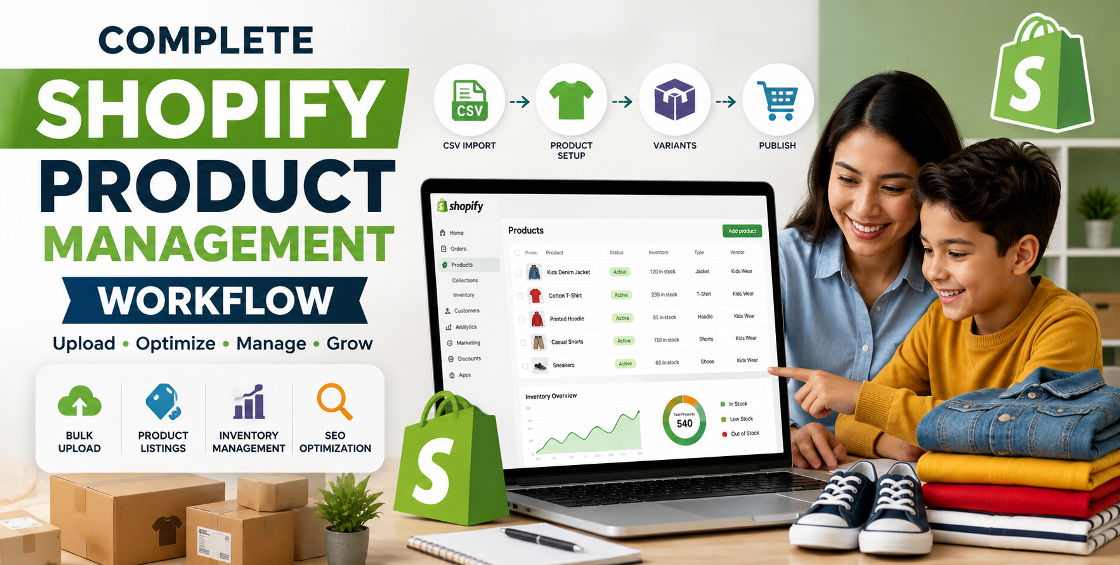
In this case study, we'll walk through how we helped a growing online retailer reduce Shopify product upload errors by nearly 90%. More importantly, we'll explain the practical changes that made the difference so you can avoid the same costly mistakes.
Whether you're managing a catalog of 500 products or 50,000 SKUs, improving your product data process can save countless hours while keeping your Shopify store clean, accurate, and ready to sell.
As product catalogs expand, manual processes often fail to keep up.
Our client had thousands of products with multiple variants, seasonal collections, and inventory updates arriving from different suppliers. Every new upload introduced new problems.
Some of the most common issues included:
None of these problems were caused by Shopify itself. Instead, they resulted from inconsistent product data and an unreliable upload workflow.
The business was spending several hours every week correcting avoidable errors instead of focusing on marketing and sales.
Many business owners assume CSV imports fail because of technical issues. In reality, most upload problems begin long before the file reaches Shopify.
Every supplier formats spreadsheets differently.
One file may use "Color," another uses "Colour," while another combines color and size into one field.
Without standardization, imports quickly become inconsistent.
Variants are one of Shopify's greatest strengths—but also one of the biggest sources of mistakes.
We've seen uploads where:
Even one missing field can affect hundreds of products.
A common mistake is uploading product images without checking image URLs or naming conventions.
Broken image links create empty product galleries, reducing customer trust and lowering conversion rates.
Shopify relies heavily on product handles.
If handles change unexpectedly or duplicates appear, imports may create entirely new listings instead of updating existing products.
Before importing anything, we audited the entire spreadsheet.
We removed duplicate records, corrected formatting inconsistencies, standardized product types, and verified required Shopify fields.
This single step eliminated a large percentage of future upload issues.
Instead of importing immediately, we reviewed:
Variant validation prevented inventory confusion later.
Rather than relying on inconsistent supplier image names, we organized image files using predictable naming conventions.
We also verified every image URL before upload to avoid missing galleries after import.
One lesson we've learned from years of Shopify management:
Never upload thousands of products first.
Instead, import 20–50 products, review everything inside Shopify Admin, then proceed with the full catalog.
This catches hidden issues before they affect the entire store.
Many users ignore Shopify's import summary.
We carefully reviewed:
Those logs often reveal problems that aren't immediately visible on the storefront.
After redesigning the upload workflow, the improvements were noticeable almost immediately.
The biggest improvement wasn't just fewer errors—it was confidence.
The client no longer worried that every product update might break something inside the store.
Many businesses think product uploads only affect operations.
In reality, they also influence search visibility.
Clean product data helps ensure:
Search engines reward stores with organized, high-quality content.
A messy catalog often leads to indexing issues, duplicate content, and weaker rankings.
After handling thousands of Shopify uploads, here are a few practices we never skip.
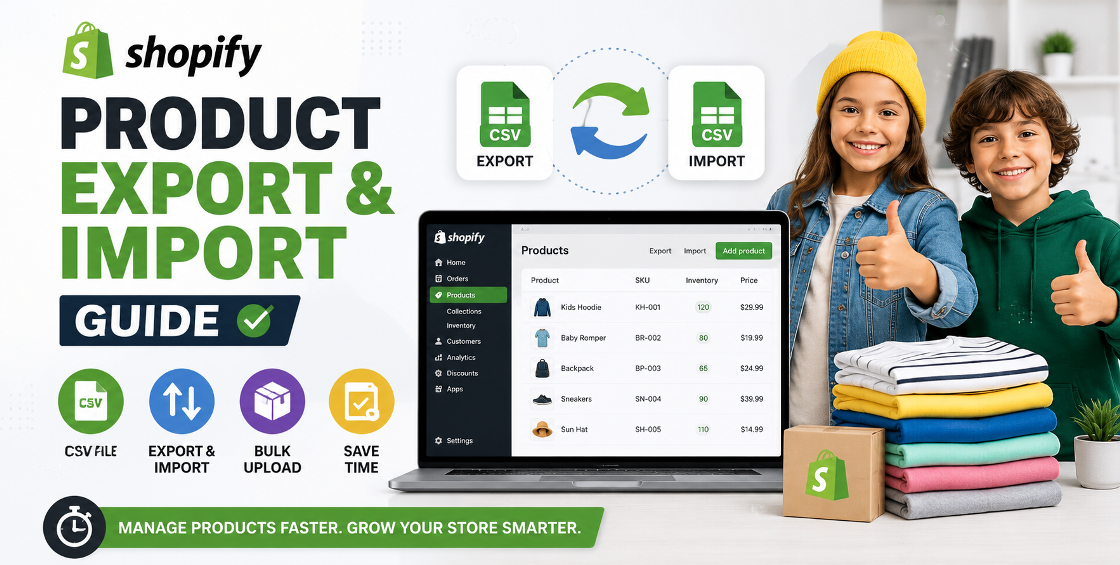
Before making bulk updates, export your current product catalog.
If something goes wrong, restoring accurate data becomes much easier.
Changing SKU formats midway through store growth creates unnecessary confusion for inventory management and future integrations.
Never assume two supplier exports will match.
Even trusted suppliers occasionally rename columns or adjust formatting.
Tags become much more valuable when they're standardized.
Instead of mixing "Summer," "summer," and "SUMMER," create a clear tagging structure from the beginning.
As stores grow, product information naturally becomes inconsistent.
Quarterly catalog reviews help prevent small issues from turning into major cleanup projects.
These are the issues we encounter most often when taking over existing Shopify stores:
Most of these mistakes are preventable with a structured workflow.
To help visitors explore related services, consider linking this article to:
These internal links improve user navigation while strengthening your site's SEO.
Product uploads shouldn't feel risky.
With the right preparation, structured CSV management, consistent product data, and careful testing, Shopify imports become faster, cleaner, and far more reliable.
This case study shows that reducing upload errors isn't about working harder—it's about improving the process.
For growing ecommerce businesses, investing in clean product management means fewer operational headaches, better customer experiences, and more time to focus on scaling the business.



Our Trusted Clients
















Our goal is to help our companies maintain achieve best class positions their respective industries & our team works occur that pleasures have to be repudiated.

Copyright © MyShopifyExpert . All rights reserved.