



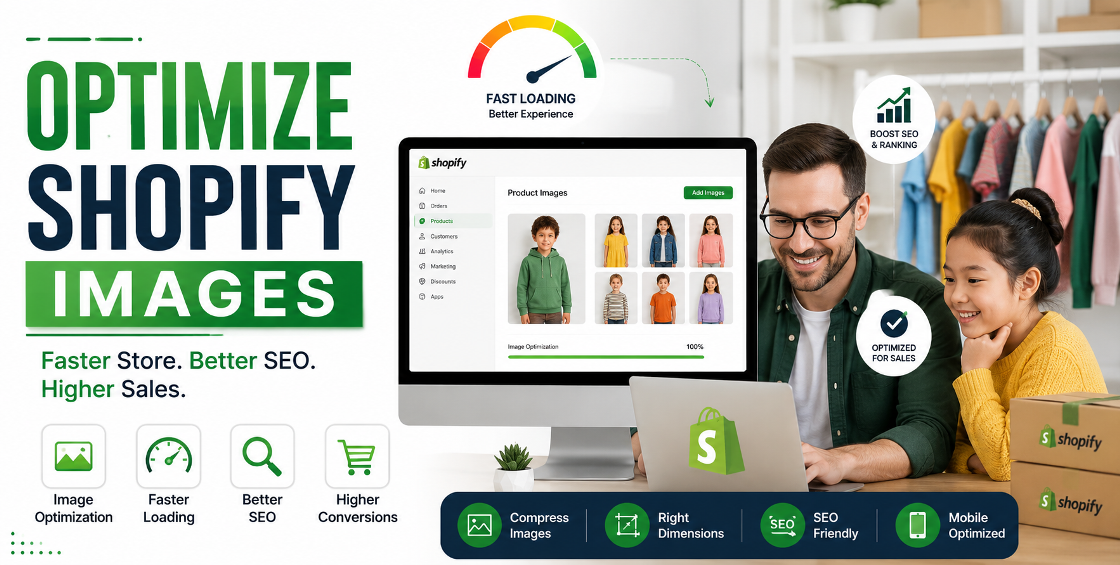
Running a Shopify store isn't just about uploading great products. The quality and performance of your product images can directly affect page speed, search rankings, and ultimately, your conversion rate.
Many store owners invest heavily in product photography but unknowingly upload oversized images, inconsistent file names, or poorly optimized files that slow their entire website. We've worked with Shopify stores ranging from small niche brands to large catalogs with thousands of products, and image optimization is one of the most overlooked opportunities for improving performance without redesigning the entire store.
In this Shopify Image Optimization Guide, we'll walk through practical strategies that improve loading speed, enhance SEO, and create a better shopping experience for customers across desktop and mobile devices.
Every image uploaded to your Shopify store contributes to your site's overall performance. Large image files increase loading time, especially on collection pages where dozens of product images appear at once.
Slow-loading pages often lead to:
Shopify automatically serves modern image formats in many situations, but that doesn't mean every uploaded image is optimized. The quality of the original file still matters.
One common mistake we see during product uploads is using images directly from professional photographers. These files can be 8–20 MB each, which is far larger than Shopify actually needs.
For most Shopify stores:
Uploading unnecessarily large images increases storage usage and slows page rendering.
Compression reduces file size without creating noticeable quality loss.
The goal is simple:
Lossless compression works well for premium products where image quality is critical, while carefully applied lossy compression often provides the best balance between quality and speed.
For stores with hundreds or thousands of products, compressing images before bulk importing can significantly reduce overall page load times.
Instead of uploading files like:
IMG_4587.jpg
Rename them to something meaningful such as:
black-leather-travel-backpack.jpg
This helps search engines understand the content of the image and contributes to image search visibility.
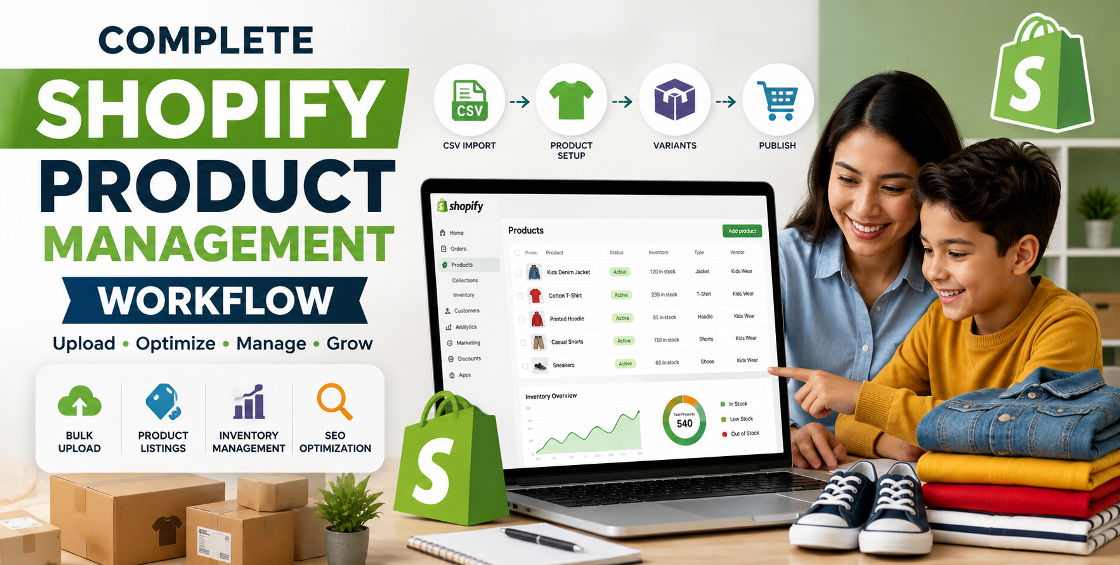
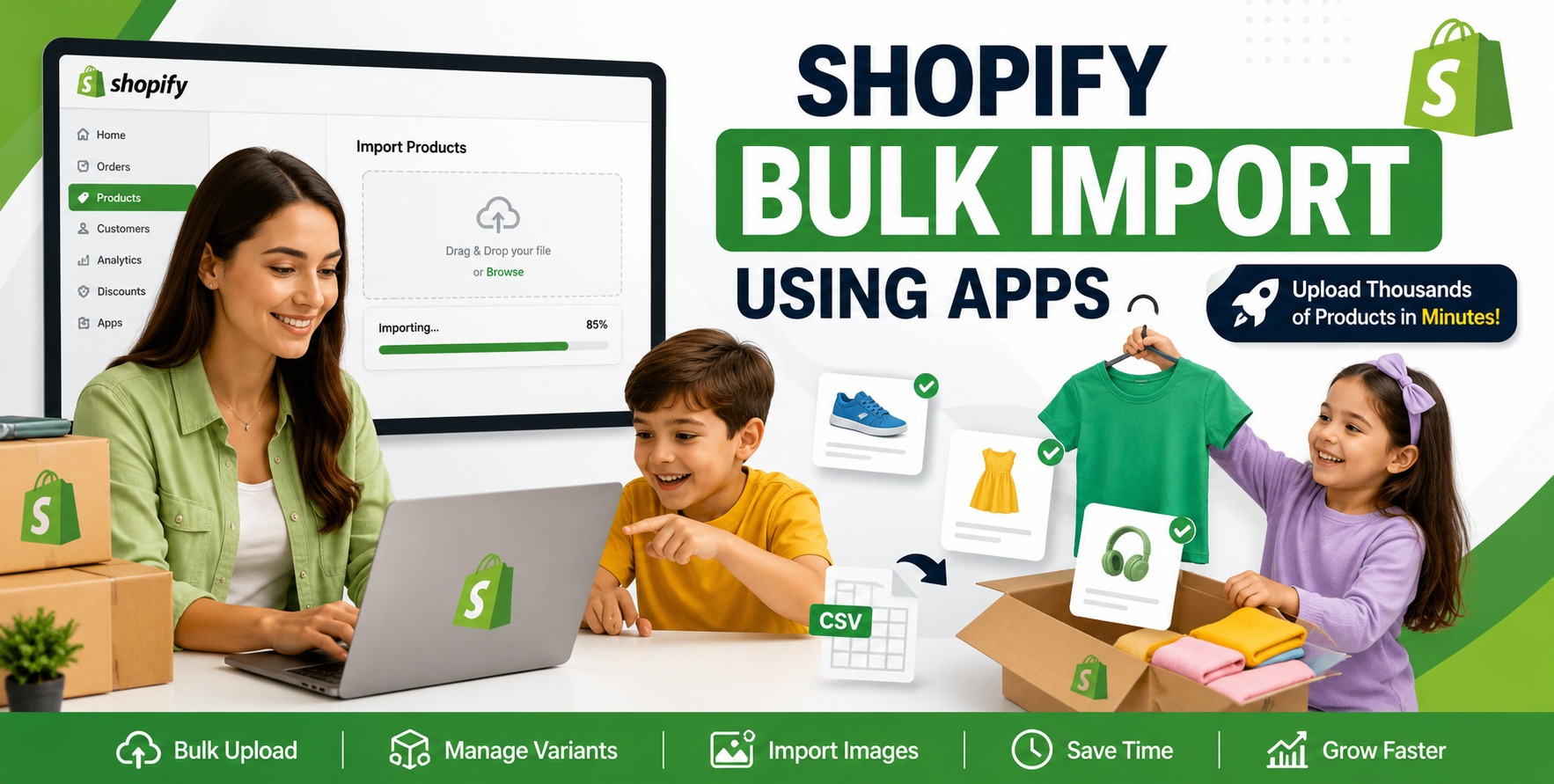
When handling bulk product uploads through CSV files, renaming images before importing also makes asset management much easier.
Alt text serves two important purposes:
Good example:
"Men's waterproof hiking boots in brown leather"
Poor example:
"image1"
Avoid stuffing keywords into alt text. Write naturally and describe exactly what appears in the image.
Different image formats serve different purposes.
Best for:
Provides excellent quality with smaller file sizes.
Ideal for:
PNG files are often larger, so use them only when transparency is necessary.
WebP offers smaller file sizes while maintaining excellent quality.
Shopify automatically delivers WebP to supported browsers in many cases, but starting with optimized source images still produces the best results.
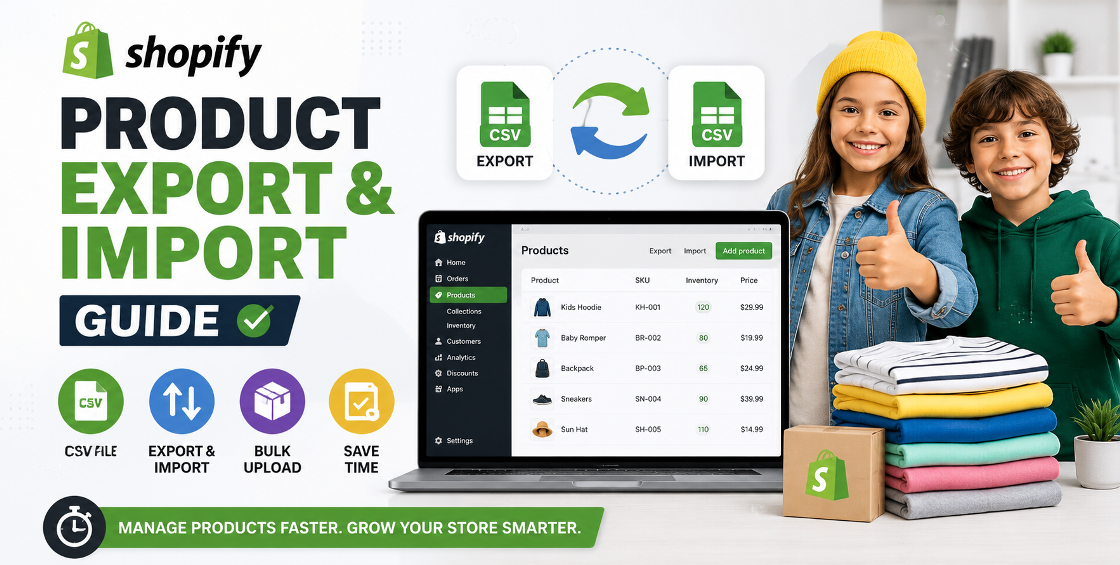
Many growing Shopify businesses upload hundreds or even thousands of products using CSV imports.
Image-related issues are among the most common reasons these imports require additional cleanup.
We've frequently encountered situations such as:
A clean image workflow before importing products saves hours of manual corrections later.
Before uploading:
These simple checks prevent costly mistakes, especially when managing large inventories.
Collection pages often become the slowest pages in a Shopify store because they display dozens of product thumbnails simultaneously.
To improve performance:
Consistent product photography also creates a cleaner and more professional shopping experience.
More than half of ecommerce traffic now comes from mobile devices.
Heavy images affect mobile shoppers even more because many browse using slower cellular connections.
Mobile optimization includes:
A faster mobile experience often translates directly into higher conversion rates.
Image optimization isn't just about speed.
Proper image SEO helps your products appear in image search results and supports your overall search visibility.
Follow these practices consistently:
Use relevant keywords in:
Natural language always performs better than repetitive keyword stuffing.
Search engines evaluate surrounding content.
An optimized product image should appear alongside:
Images supported by strong on-page content typically perform better in search results.
Consistent image style improves user trust.
Keep:
Professional presentation encourages customers to browse more products.
After managing thousands of Shopify product uploads across multiple industries, a few patterns appear repeatedly.
First, stores often focus on homepage design while ignoring product image optimization. Yet product pages usually generate the majority of revenue.
Second, merchants frequently upload replacement images without removing outdated ones, creating unnecessary storage clutter and inconsistent galleries.
Another issue involves variant images. During CSV imports, it's surprisingly easy for color variants to display incorrect photos if image mapping isn't carefully reviewed.
Finally, always test image changes on both desktop and mobile before publishing large updates. What looks perfect on a widescreen monitor may appear awkward on smaller devices.
These small operational habits make a noticeable difference as a catalog grows.
Avoid these frequent issues:
Correcting these mistakes can improve both user experience and store performance.
To strengthen your website's SEO and guide visitors naturally through your services, consider linking this article to pages such as:
These internal links help users discover related solutions while improving site structure.
Image optimization is one of the highest-impact improvements you can make to a Shopify store without investing in a complete redesign.
Smaller, well-optimized images load faster, improve user experience, support better search rankings, and create a more professional storefront.
Whether you're launching a new catalog or managing thousands of products through bulk imports, building an efficient image workflow saves time, reduces errors, and helps customers shop with confidence.
Like many aspects of ecommerce, success comes from consistently getting the small details right.

Our Trusted Clients














Our goal is to help our companies maintain achieve best class positions their respective industries & our team works occur that pleasures have to be repudiated.

Copyright © MyShopifyExpert . All rights reserved.