




Getting traffic to your Shopify store is only half the battle. The real challenge is turning those visitors into paying customers.
We've worked with Shopify stores ranging from startups to established ecommerce brands, and one pattern shows up repeatedly: many businesses spend heavily on advertising while overlooking the issues that quietly hurt conversions. Slow-loading pages, confusing product options, inconsistent product information, and a lengthy checkout process can all drive shoppers away.
The good news is that improving your Shopify conversion rate doesn't always require a complete redesign. In many cases, a series of practical improvements can significantly increase sales without increasing your advertising budget.
In this guide, we'll walk through proven strategies that help Shopify stores convert more visitors into customers while sharing practical insights from real store management experience.
Your Shopify conversion rate is the percentage of visitors who complete a purchase.
For example:
While every industry is different, most successful Shopify stores aim for a conversion rate between 2% and 4%, with top-performing brands often exceeding that through continuous optimization.
Nothing hurts conversions faster than a slow website.
Customers today expect pages to load almost instantly. Even a delay of a few seconds can increase bounce rates and reduce completed purchases.
Common speed issues we regularly encounter include:
Regularly auditing installed apps and removing those no longer in use often improves loading speed more than store owners expect.
Many product descriptions simply list features.
High-converting product pages explain:
Use:
Customers shouldn't have to contact support for basic product information.
People can't physically inspect products online.
Your images need to do that job.
Include:
Professional visuals consistently outperform generic supplier photos.
One of the most common backend issues we see involves poorly configured variants.
Examples include:
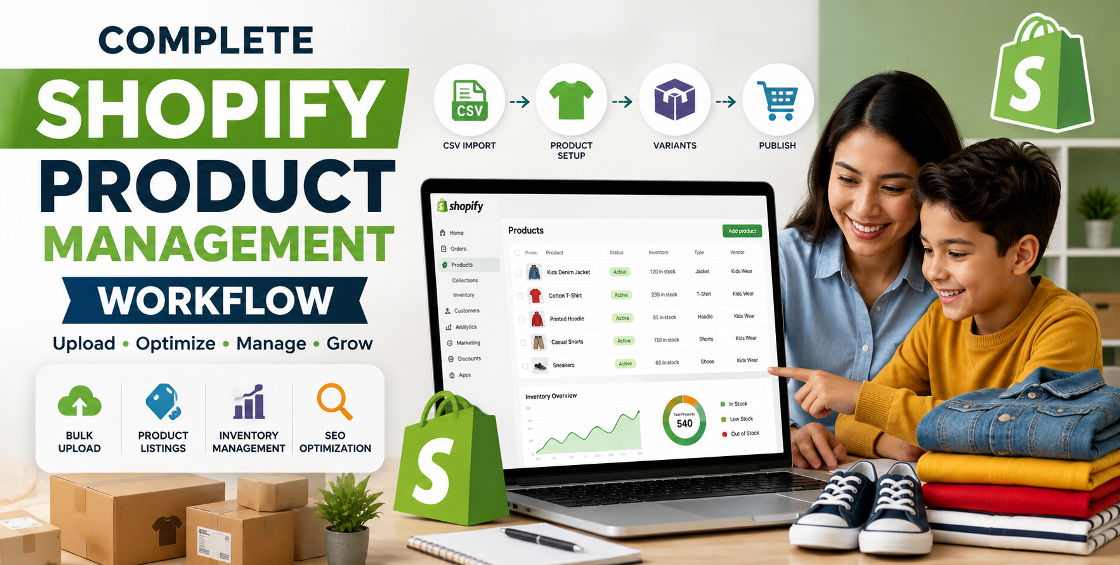
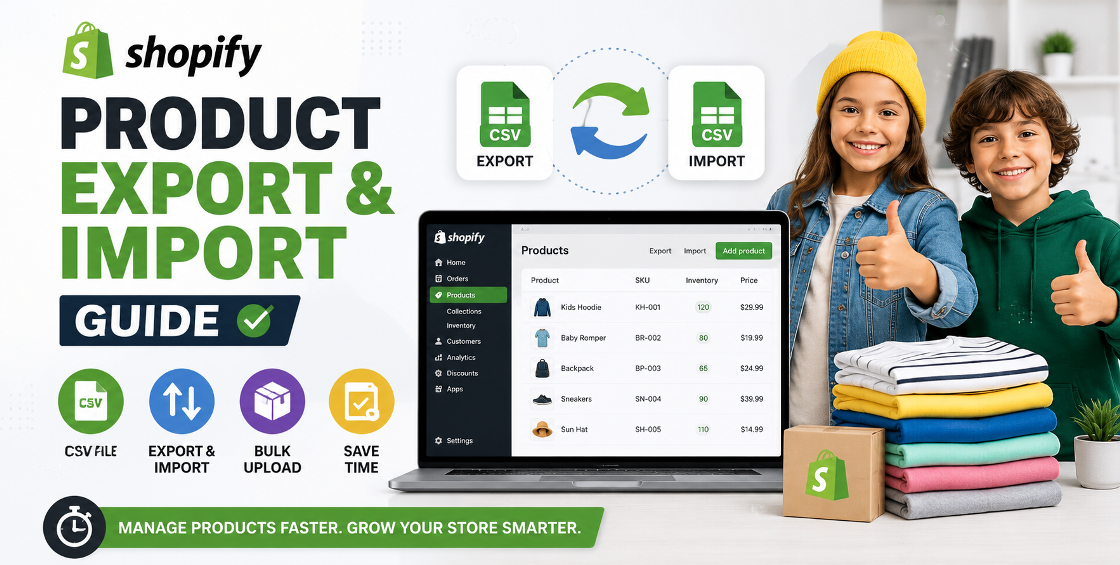
Large catalogs imported through CSV files often create variant inconsistencies that customers notice immediately.
Review variant structure regularly, especially after bulk product uploads or catalog updates.
Every additional step increases the chance of cart abandonment.
Focus on:
Removing unnecessary friction can have an immediate impact on completed orders.
Trust influences purchasing decisions more than many store owners realize.
Include:
Customers are more likely to buy when they feel confident your business is legitimate and responsive.
For many Shopify stores, mobile traffic now exceeds desktop traffic.
Unfortunately, stores are often still designed primarily for desktop users.
Check:
Testing your own store on multiple devices often reveals issues analytics alone won't show.
Adding products to the cart doesn't guarantee a sale.
Common reasons customers leave include:
Helpful recovery tactics include:
Even recovering a small percentage of abandoned carts can produce meaningful revenue growth.
Many businesses focus only on product pages.
However, collection pages often determine whether shoppers continue browsing.
Optimize collection pages with:
A well-organized catalog creates a smoother shopping experience.
Successful Shopify optimization relies on data.
Monitor metrics like:
Small improvements based on real customer behavior typically outperform major redesigns driven by assumptions.
As stores grow, maintaining accurate product information becomes increasingly challenging.
Common catalog issues include:
Regular catalog audits help prevent customer frustration while improving search visibility and operational efficiency.
Conversion optimization isn't a one-time project.
Regularly test:
Even small improvements can compound into significant revenue increases over time.
Well-structured product titles, consistent tags, accurate collections, and properly formatted CSV files create a better shopping experience while reducing backend issues.
Many stores accumulate apps over time.
Each additional app may add scripts that affect loading speed. Conduct regular app audits and remove anything no longer providing value.
Bulk imports can introduce pricing errors, duplicate products, broken variants, or inventory mismatches.
Uploading a small sample first helps identify issues before they affect your entire catalog.
Customers who use search often have higher purchase intent.
Improving product titles, tags, and search relevance makes it easier for shoppers to find what they need quickly.
Avoid these common issues:
Increasing your Shopify conversion rate isn't about chasing shortcuts or installing dozens of new apps. It's about creating a smoother, faster, and more trustworthy shopping experience from the moment someone lands on your store until they complete their purchase.
Focus on improving one area at a time—whether that's speeding up your site, refining product pages, simplifying checkout, or cleaning up product data. Small, consistent improvements often lead to the biggest long-term gains.
If you're looking to take things further, consider reviewing your entire Shopify setup—from product data and catalog organization to theme performance and checkout flow. A fresh set of experienced eyes can often uncover opportunities that are easy to miss when you're busy running your business.
Our Trusted Clients
















Our goal is to help our companies maintain achieve best class positions their respective industries & our team works occur that pleasures have to be repudiated.

Copyright © MyShopifyExpert . All rights reserved.