




Managing a Shopify store with a few dozen products is straightforward. Managing thousands is an entirely different challenge.
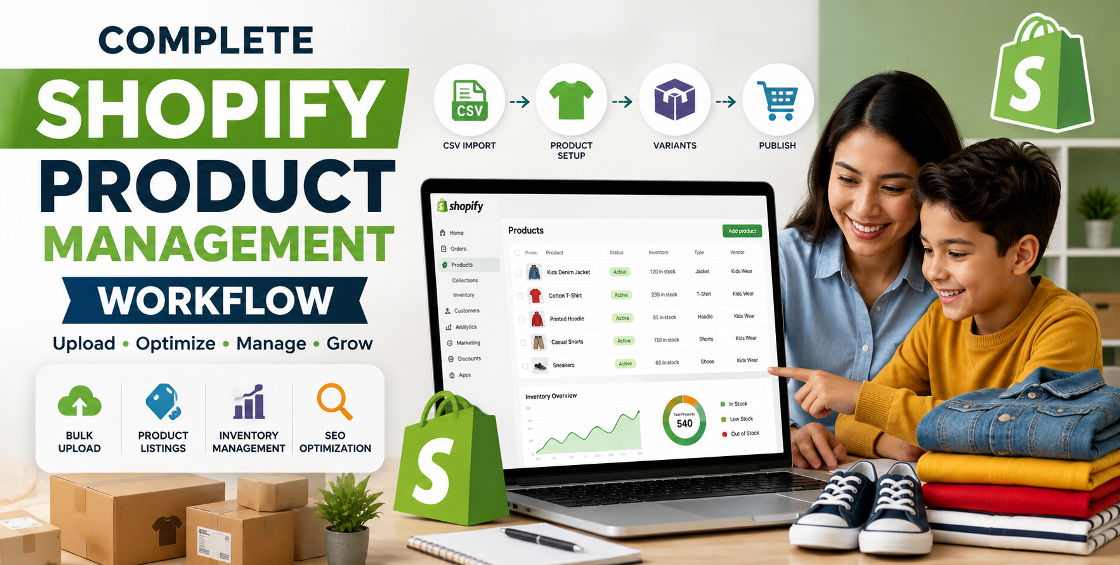
One of our recent projects involved a business preparing to migrate and upload 5,000 products to Shopify from multiple spreadsheets and legacy ecommerce platforms. On paper, it sounded simple: clean the data, import the CSV, and launch the store.
In reality, we encountered duplicate SKUs, inconsistent product variants, missing image links, broken collections, and formatting issues that could have affected customer experience and SEO if left unresolved.
This case study walks through our process, the challenges we solved, and the practical lessons business owners can apply before attempting a large Shopify product upload.
Whether you're migrating from WooCommerce, Magento, OpenCart, BigCommerce, or simply expanding your product catalog, careful planning can save days of troubleshooting and protect your store's performance.
Uploading a handful of products manually isn't difficult.
Uploading thousands introduces a completely different set of challenges.
Some of the most common issues include:
Most of these problems aren't caused by Shopify itself. They originate from years of inconsistent product management inside spreadsheets or previous ecommerce systems.
Instead of importing everything immediately, we divided the project into manageable stages.
Before opening Shopify, we reviewed every product field.
This included:
This audit revealed dozens of hidden inconsistencies that would have caused import failures later.
The CSV became the project's foundation.
We standardized:
Small inconsistencies like:
may appear harmless, but they create unnecessary duplicate filters and inconsistent storefront navigation.
Cleaning data before importing is significantly easier than correcting thousands of live products afterward.
One of the largest tasks involved product variants.
Several products included combinations such as:
Many variants had missing option values or duplicate SKUs.
We rebuilt the variant structure to ensure:
Proper variant management also makes future inventory updates much easier.
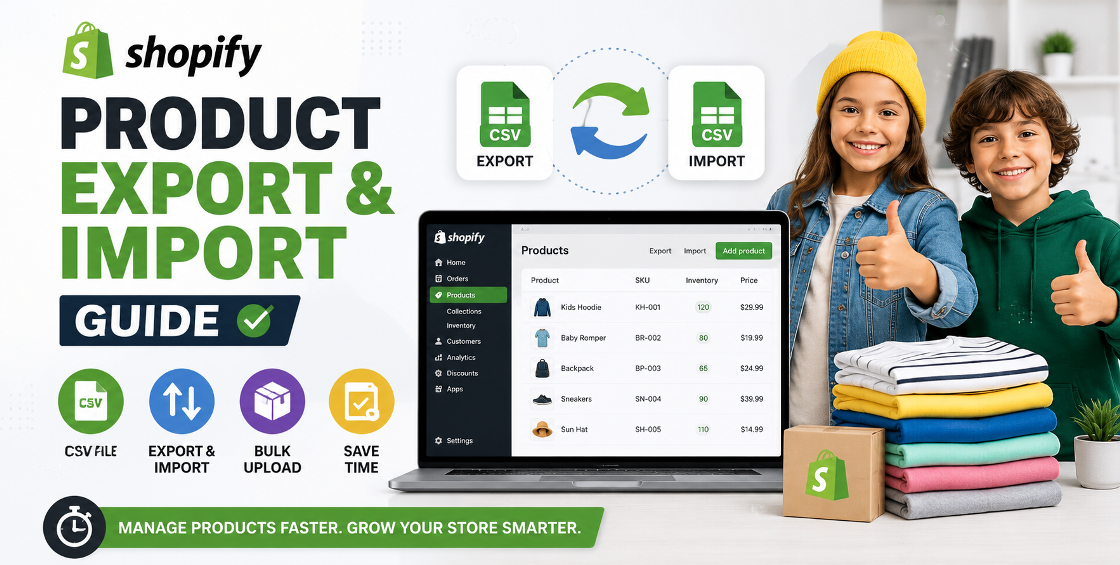
Once the product data was verified, we performed the import in controlled batches rather than uploading everything at once.
This approach helped us quickly identify any unexpected formatting issues before they affected the entire catalog.
After each batch, we reviewed:
Only after confirming everything was accurate did we continue with the remaining products.
Although importing in smaller batches takes slightly longer, it significantly reduces risk during large Shopify imports.
Many businesses focus only on getting products online.
We prefer treating every upload as an SEO opportunity.
Each product received:
This avoids publishing thousands of thin or duplicate product pages that struggle to rank in search engines.
No large ecommerce import is perfect.
Here are a few real issues we resolved along the way.
Several products shared identical SKU numbers.
Shopify inventory tracking depends on unique SKUs, so duplicates were corrected before import.
Many image URLs pointed to expired hosting locations.
We verified, replaced, and tested image links to prevent missing product photos.
Some parent products contained incorrect variant relationships.
We rebuilt these to ensure customers saw accurate product options.
Products originally belonged to inconsistent categories.
We reorganized collections to improve customer navigation and filtering.
Even an extra comma or misplaced quotation mark can break an import.
Every CSV was validated before uploading.
After completing the import:
Most importantly, the client could confidently manage the catalog without manually correcting hundreds of products afterward.
Working with Shopify every day teaches lessons that documentation often doesn't mention.
Platform exports frequently contain hidden formatting inconsistencies. Always review the CSV before importing.
Consistent naming conventions improve reporting, navigation, filtering, and future product management.
Broken images reduce trust and can hurt conversion rates. Always test them before publishing.
Think beyond today's catalog. Well-structured collections make future product additions much easier.
Always save the original CSV and every edited version. If something goes wrong, recovery becomes much simpler.
Many businesses unknowingly create extra work by making avoidable mistakes.
Some of the biggest ones include:
Avoiding these mistakes saves time and creates a more professional online store.
To improve user experience and SEO, link this article to relevant service pages such as:
These internal links help visitors explore related solutions while strengthening your site's overall SEO structure.
Uploading thousands of products to Shopify is much more than importing a spreadsheet.
Success depends on clean data, organized variants, accurate inventory, optimized SEO, and thorough quality checks before products go live.
This project demonstrated that investing time in preparation prevents costly corrections later and creates a stronger foundation for long-term ecommerce growth.
Whether you're launching a new Shopify store or migrating an existing catalog, a structured product upload process helps ensure accuracy, scalability, and a better shopping experience for your customers.



Our Trusted Clients
















Our goal is to help our companies maintain achieve best class positions their respective industries & our team works occur that pleasures have to be repudiated.

Copyright © MyShopifyExpert . All rights reserved.